
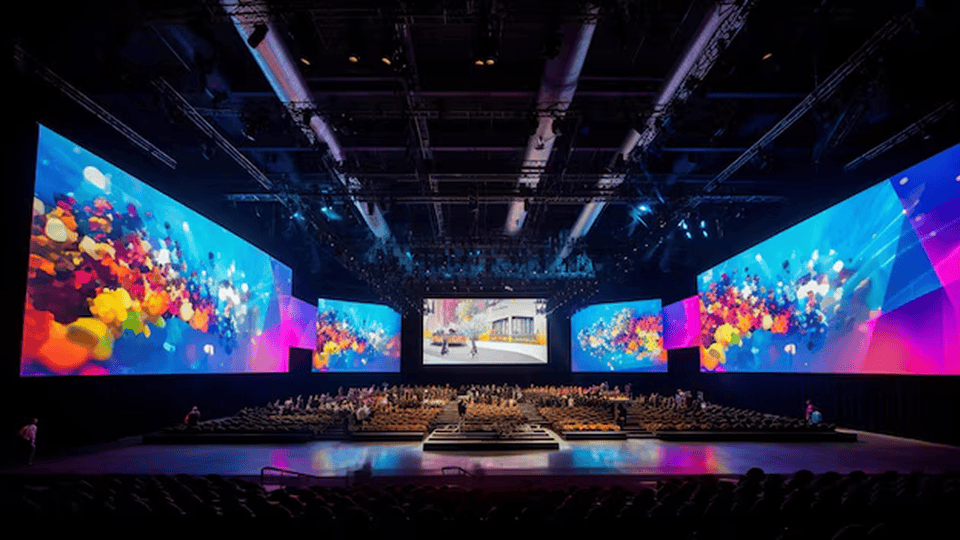
DMX512 is the backbone of nearly every professional lighting control system in live events and AV production. Planning your universe layout before load-in is one of the highest-return habits in the industry, the time invested before the show is always less than the time lost chasing addressing conflicts on the day.
Plan the universe before you patch the console
A DMX universe carries 512 channels. Modern moving head fixtures commonly use 20 to 50 channels each in extended mode, which means a single universe fills up faster than many operators expect. Running out of channels mid-patch on show day, and having to reconfigure universe routing while the client watches, is a situation that planning eliminates entirely.
Draft a simple spreadsheet before every job: list each fixture type, its channel count in the intended mode, and its start address. Group fixtures by universe logically, all truss wash fixtures on Universe 1, all moving spots on Universe 2, all LED strips and static units on Universe 3. This grouping makes troubleshooting fast and console navigation intuitive.
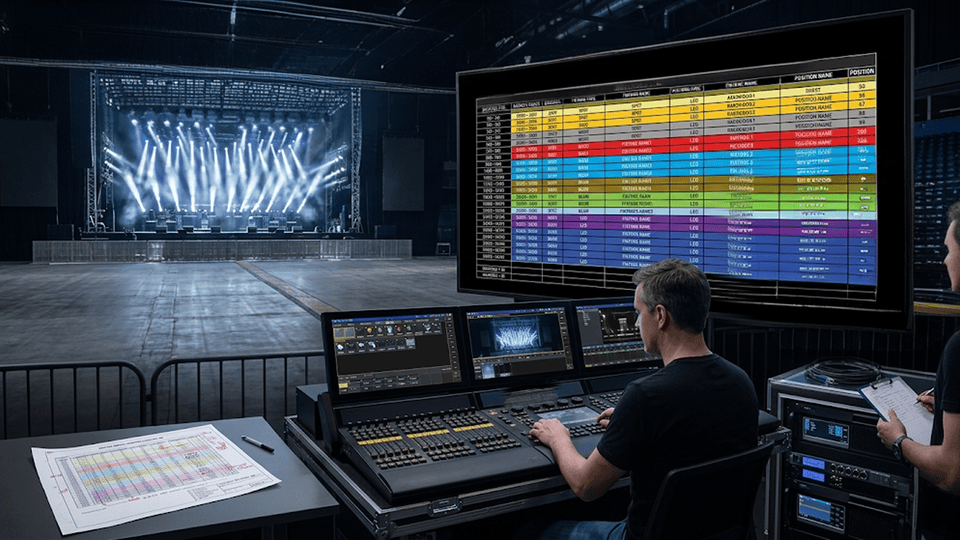 A well-organized patch layout means any operator can take over the console without a briefing.
Consistent address conventions across shows
Production companies that use the same address conventions on every show build up institutional speed. If beam fixtures always start at address 1, wash fixtures always start at 101, and LED strip units always start at 301, any technician on the team can patch a console from memory. Deviating from conventions only for good reasons, like a complex rig that needs more flexibility, keeps the logic intact.
- List all fixture types and their channel counts before the job
- Assign universes by fixture category, not by physical position
- Leave 20-30 channels of buffer between fixture groups for last-minute additions
- Document the final patch sheet and keep a copy off the console
Test and document before load-in is complete
The best DMX plan is still just a plan until it is tested against physical hardware. Build time into load-in to verify that every fixture responds on its assigned address before moving to focus. A quick fixture test, pan, tilt, color, dimmer, on each unit immediately after patching surfaces any addressing conflicts, data cable faults, or fixture mode mismatches while there is still time to fix them cleanly. The documentation that comes out of this process, a verified patch sheet, is also the single most useful document you can hand off if another operator takes over later.
DMX planning is not glamorous work, but it is the foundation that every smooth show is built on. Thirty minutes of address layout and documentation before load-in routinely saves two or three hours on show day, and prevents the kind of last-minute scrambles that affect both the production quality and the client relationship.